Your drives stay home.
Plug them into the Mac at home, the way you always have. MountedStorage shares every external drive on it with the Macs you pair. They can open and copy anything, but can’t change or delete it.
Favorites
Desktop Documents DownloadsLocations
Media Drive Projects SSD Archive NetworkMountedStorage — 4 drives
Library…⌘L
Macintosh HD — 318 GB free of 994 GB · Internal
Media Drive — 6.2 TB free of 18.0 TB · Thunderbolt
Projects SSD — 1.4 TB free of 4.0 TB · USB
Archive — 2.9 TB free of 8.0 TB · USB
Shared with the Macs you pairEvery external drive, read-only in Finder. Macintosh HD isn’t shared.
And show up wherever you are.
Pair your laptop once, with an invite from the Mac at home. Studio Mac then shows up in Finder with every external drive on it, on any network and with no port forwarding. In Finder they’re read-only.
Favorites
Applications Desktop Documents DownloadsLocations
Macintosh HD Studio Mac NetworkInvoices
 Location Scout.jpg
Shot List.pdf
Archive
Media Drive
Projects SSD
Client Deliveries
Coast Film
Coast Selects
Desert Shoot
Interviews
Music Videos
Weddings 2026
2024
2025
Selects
 Cliffs_01.mov
 Coast_04.mov
 Rocks_03.mov
 Shore_05.mov
 Waves_02.mov
Coast_04.mov
QuickTime movie – 1.35 GB
Information
- Created
- Oct 12, 2025 at 7:14 AM
- Dimensions
- 3840 × 2160
- Duration
- 04:30
- Codecs
- H.264, AAC
All 30 TB, on the road.
Open last year’s footage on the drive at home and it plays, with nothing to download first. MountedStorage reads only the part you watch, and the rest of the clip stays on the drive.
Favorites
Desktop DownloadsLocations
Macintosh HD Studio MacNameSize
2024--
2025--
Selects--
Cliffs_01.mov1.12 GB
Coast_04.mov1.35 GB
Rocks_03.mov980 MB
Shore_05.mov1.21 GB
Waves_02.mov860 MB
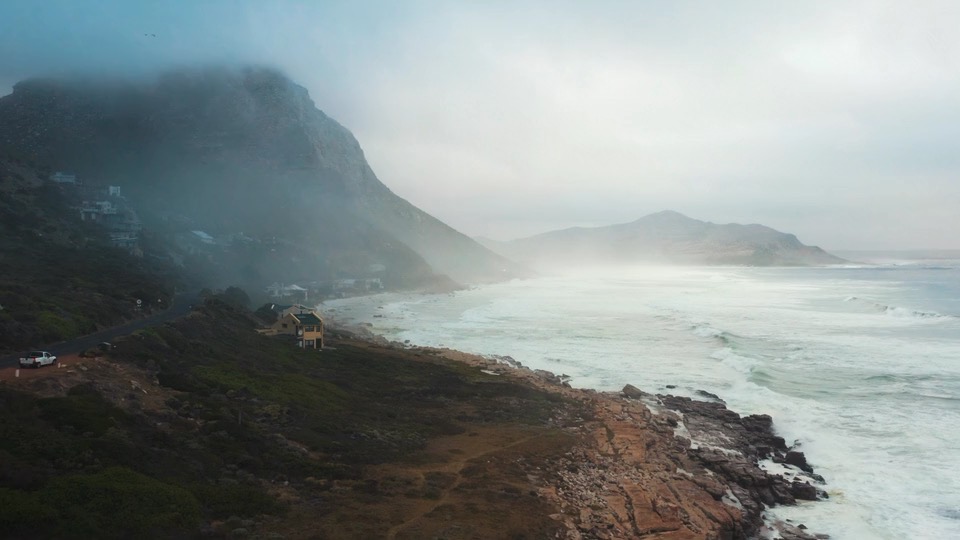
Read from Studio Mac: of 1.35 GBThis 40 Mbps H.264 clip plays smoothly on a 50 Mbps home upload. For RAW and ProRes, edit with proxies.
Share a link to any file or folder.
Make a link to any file or folder on your drives. Anyone with the link can download it, straight from your Mac, in the free MountedStorage app, which asks before saving it to Downloads. Every link expires, and you can turn it off sooner.
Studio Mac, at home
Choose a file or folder on one of your drives. Anyone with its link can download it until the link turns off.
Locations
Macintosh HD Media Drive Projects SSD ArchiveClient Deliveries
Coast Film
Coast Selects
Desert Shoot
Interviews
Music Videos
Link works for:7 days
CancelCreate Link
1 day
7 days
30 days
Link to “Coast Selects” copied
Paste it into a message to send it. For the next 7 days, anyone with the link can download the folder and everything in it straight from this Mac, whenever it’s awake with the drive plugged in. You can turn the link off from the menu at any time.
MountedStorage doesn’t keep a copy of the link, so send it now (or make a new one later).
OK
Share links:
Coast Selects — 6 days left
Share a Link…
Download from a Share Link…
On Media Drive
Turn Off Link
Every link expiresAfter 1, 7 or 30 days. Turn Off Link ends it sooner.
Alex’s Mac
Rileynow
Selects for the grade: https://mountedstorage.com/s#MSSHARE1WRQOHAAYTRZYUBHX6OQDYUTBHYSBAZP2Y3VS7MNRUN6SEYLZHVC7Y
Share links:
Share a Link…
Download from a Share Link…
Download the folder “Coast Selects”?
It downloads straight from the sender’s Mac into your Downloads folder. If their Mac is asleep or offline, the download waits and carries on when it’s back. The link works for 6 days more.
CancelDownload
Share links:
Share a Link…
Coast Selects — 412 MB of 12.4 GB
Download from a Share Link…
Downloading into DownloadsStraight from Studio Mac, end-to-end encrypted. At a 50 Mbps upload, 12.4 GB takes about 33 minutes.